How Do Managed IT Services Support Remote and Hybrid Work?
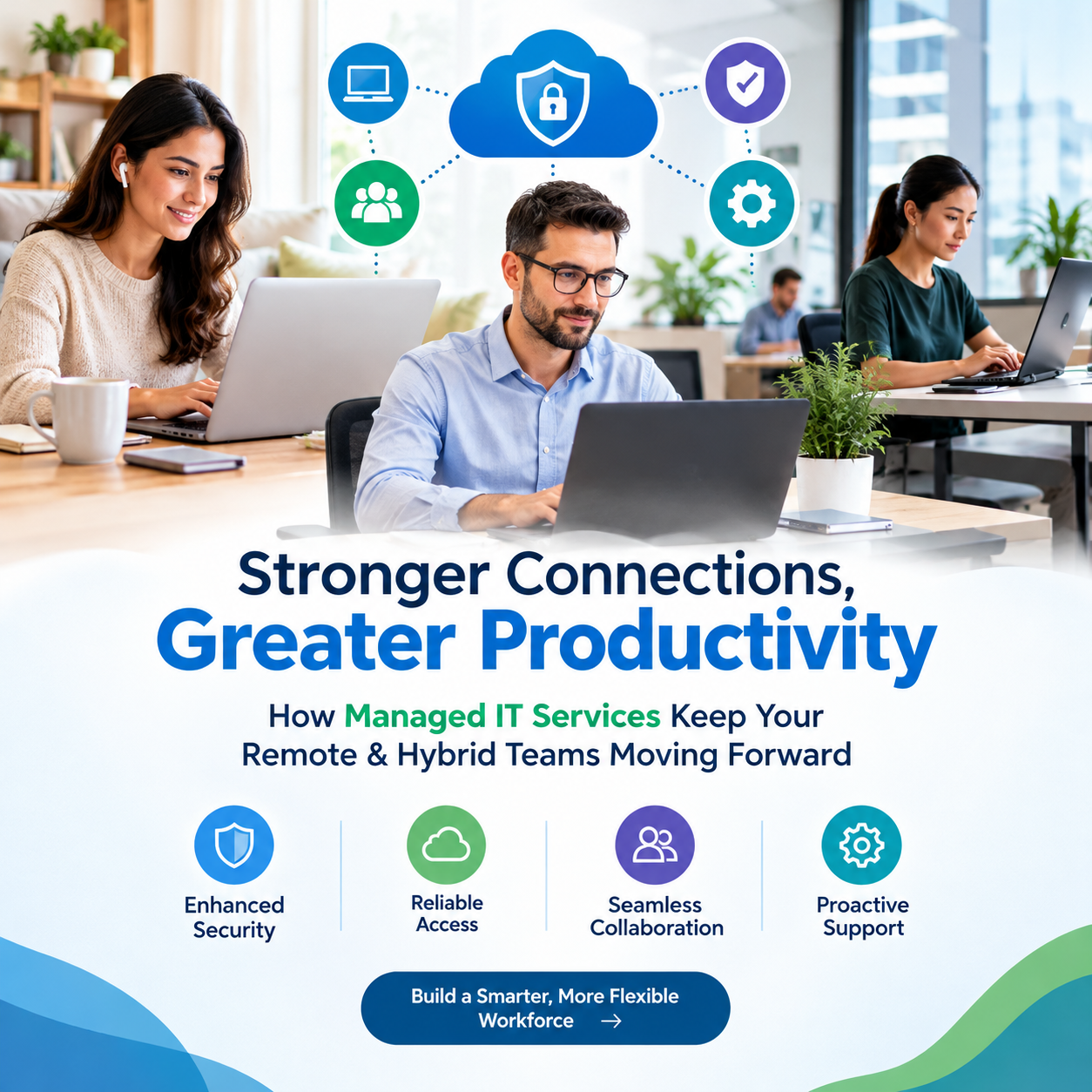
Companies that split time between home and the office rely on managed IT services to keep devices secure, networks stable, and employees productive. An outside team handles monitoring, help desk, security, backups, and cloud setup for a flat monthly fee. Staff get fast fixes, and owners get fewer outages and less risk.
5 Key Takeaways
- A provider monitors, secures, and supports every device your team uses, wherever it sits.
- Remote and hybrid teams need identity controls, device management, and secure access, not just a VPN.
- Round-the-clock monitoring catches problems before employees notice them.
- Predictable monthly pricing replaces surprise repair bills and the cost of a full in-house team.
- Local knowledge matters: Orange County businesses benefit from on-site help when remote fixes fall short.
Why Managed IT Services in Orange County Fit Hybrid Teams?
A typical office in Irvine, Anaheim, or Santa Ana now has people logging in from kitchens, coworking spaces, and client sites. For businesses like these, Managed IT Services in Orange County offers a single team that sees all of those connections at once, instead of leaving each employee to fix their own laptop or Wi-Fi.
Good coverage usually includes:
- Remote monitoring of laptops, servers, and cloud apps
- Automatic patching and software updates
- A help desk that answers in minutes, not days
- On-site visits when hardware fails, or an office needs rewiring
Managed IT Support Services Reduce Downtime Where It Hurts Most
A frozen laptop at 8 a.m. costs real money when a salesperson can't join a client call. With managed IT support services, tickets go to trained technicians who can often take remote control of the device and fix the issue while the employee is still on the line.
Support also works in the background. Technicians watch for failing drives, expiring certificates, and slow connections, then fix them before they cause an outage. For a small firm without a full-time IT person, that proactive approach is the biggest practical gain.
Security for People Working Outside the Office
When employees leave the office network, the old "protect the building" security model stops working. Under a managed arrangement, managed technology solutions shift protection to the user and the device. That typically means:
- Multi-factor authentication on email, files, and business apps
- Endpoint protection that blocks malware and flags odd behavior
- Encrypted laptops so a lost device doesn't become a data breach
- Conditional access rules that limit logins from unfamiliar locations or unmanaged devices
- Staff training that teaches people to spot phishing, still the most common way attackers get in
For regulated U.S. industries such as healthcare, finance, and legal services, these controls also help meet HIPAA, FTC Safeguards, and similar requirements. A provider can document the safeguards so audits go more smoothly.
Cloud and Collaboration Tools That Actually Work Together
Remote work depends on tools such as video meetings, shared drives, and cloud phones. The trouble starts when each tool is set up separately, and nobody owns the whole picture.
With managed technology solutions, one team plans how email, file storage, chat, and voice fit together. They also handle:
- Migrating files and mailboxes to the cloud with minimal disruption
- Setting permissions so people see only what they need
- Managing licenses, so you stop paying for unused seats
- Keeping cloud backups that can be restored quickly after a mistake or ransomware attack
IT Support and Management Services for Everyday Operations
Beyond emergencies, IT support and management offer services like setting up new recruits with working laptops, transporting equipment for employees who work outside the office, retiring employees’ accounts upon departure, and managing all company assets.
Strategic planning is another service a good provider offers. The provider will conduct quarterly system assessments, identify outdated equipment, and help budget for upgrades. Because pricing is usually monthly, owners don't need to worry about unexpected bills after a server crash.
How to Choose the Right Provider?
Not every provider suits every business. Before signing, ask about:
- Response times written into the service agreement
- Security practices, including how they protect their own systems
- Experience with companies of your size and industry
- Local presence, so someone can reach your Orange County office quickly when needed
- Clear reporting on tickets, patches, and incidents
- Exit terms, so you keep ownership of your data and documentation
Frequently Asked Questions
1. What do managed IT services include for remote workers?
Typically device monitoring, a help desk, security tools, patching, backups, and cloud management, all delivered remotely.
2. Are managed IT services worth it for small businesses?
Often yes. A flat monthly fee usually costs less than hiring a full IT team, and it gives you access to broader expertise.
3. How do managed services keep home networks from becoming a risk?
They protect devices and logins rather than the home router, using encryption, multi-factor authentication, and endpoint protection.
4. Can a provider support both office and remote staff?
Yes. Most handle everything from the on-site network and printers to employees' laptops at home.
5. Why choose a local provider in Orange County?
Remote support handles most issues, but local technicians can respond in person for hardware failures, office moves, and network installs.